Testing
AXE - Web accessibility testing
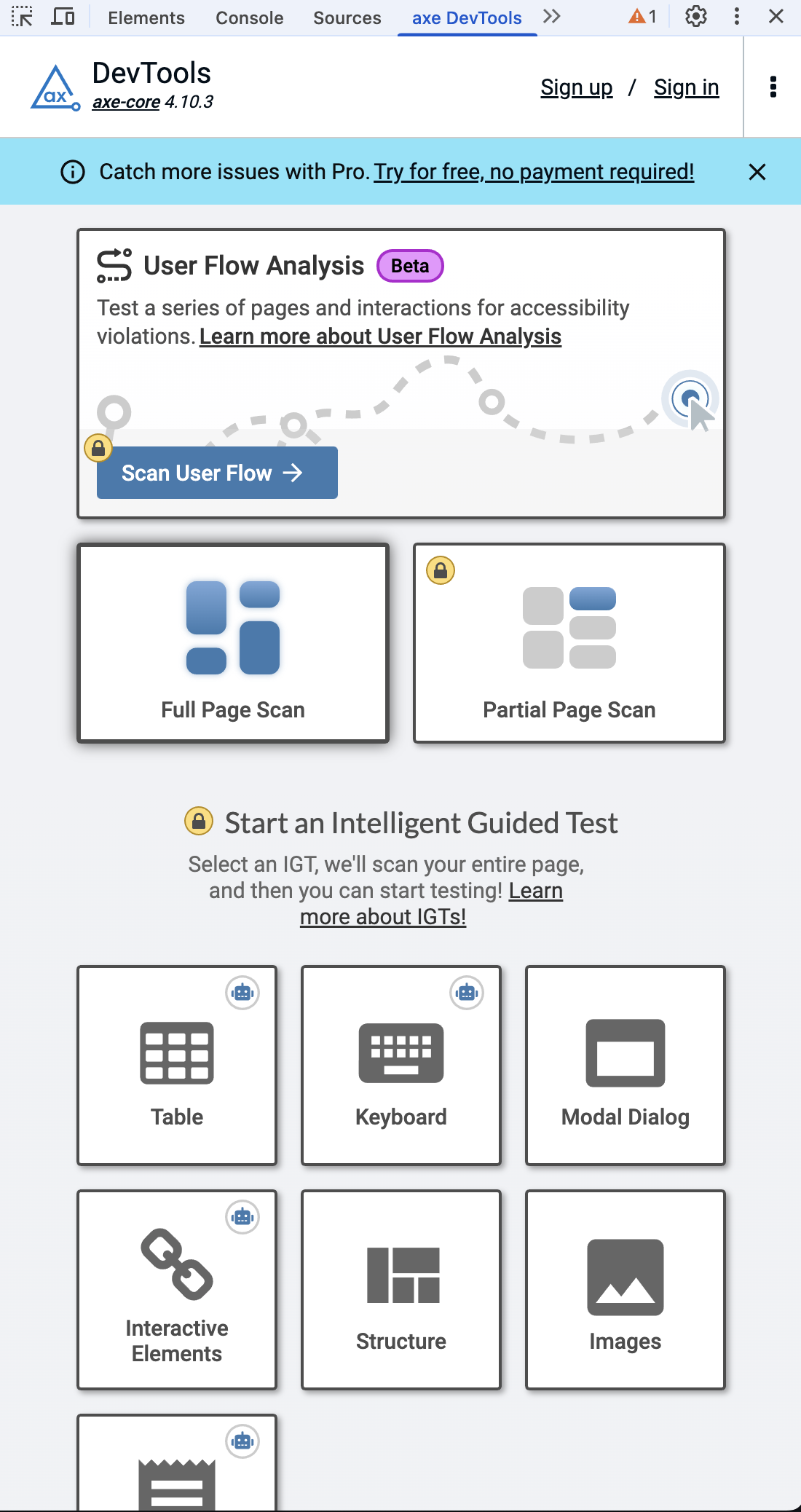
Add the AXE dev tools testing to your Chrome browser, this is a great tool for testing a lot of the below items.
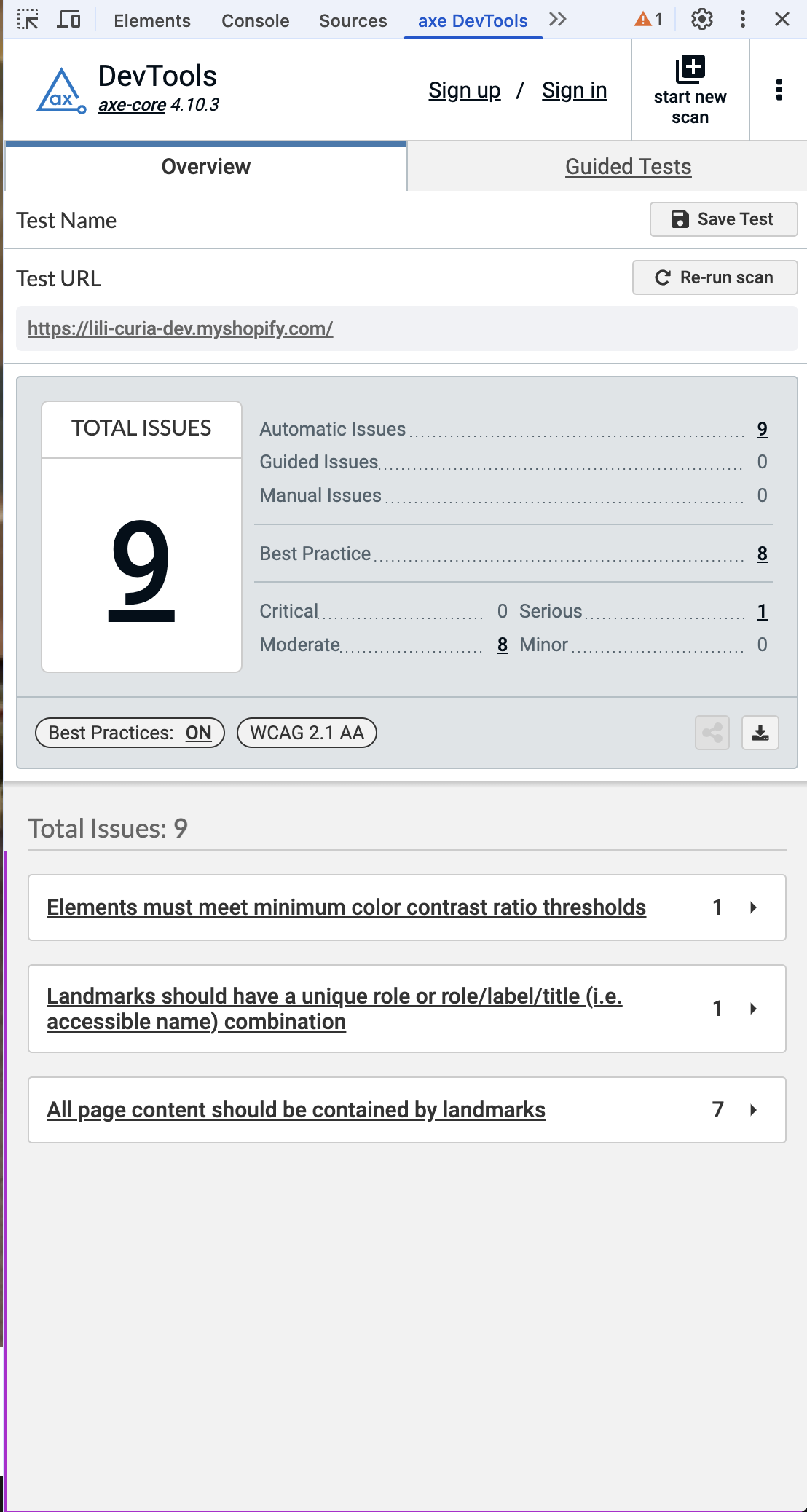
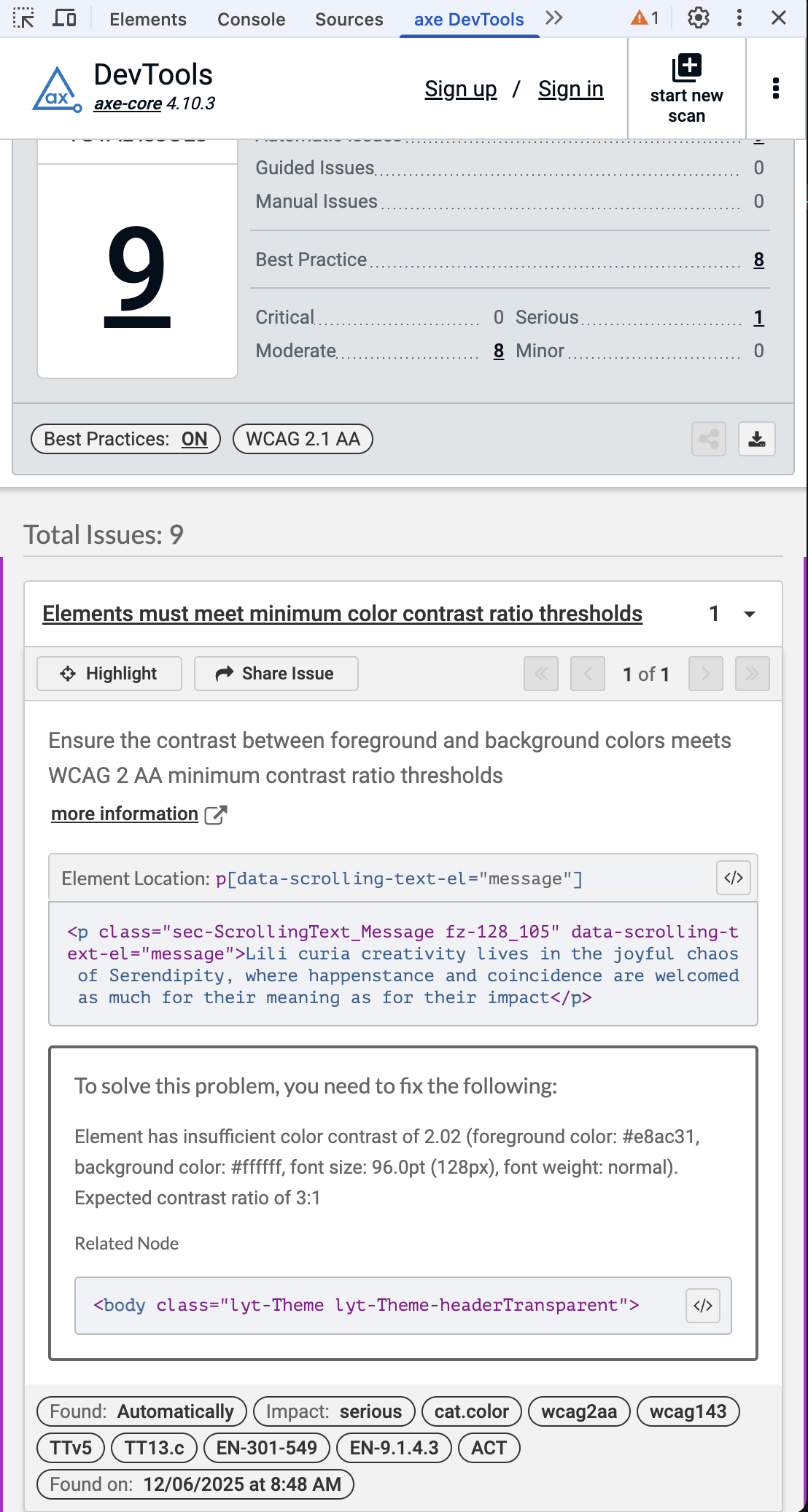
Anything flagged as errors needs to be fixed and contrast related issues discussed with design.
It adds itself into dev tools under its own tab, you can then run a Full page scan which will give you any issues that it finds, clicking them gives you a lot more context of where, why and how to fix it.
You can download AXE from the Chrome Webstore here
VoiceOver testing
On a Mac you can enable the Voice over testing by pressing Command + F5, it is worth running this through the key pages to understand how it will sound to Screen reader users and better appreciate why aria-labels etc are needed.
When navigating through a web page using only a keyboard it's possible to move to elements other than those which are focusable by using the arrow keys. Listen to how VoiceOver announces the different elements.